
66 lines
2.6 KiB
Markdown
Executable File
66 lines
2.6 KiB
Markdown
Executable File
Iris
|
|
=======
|
|
|
|
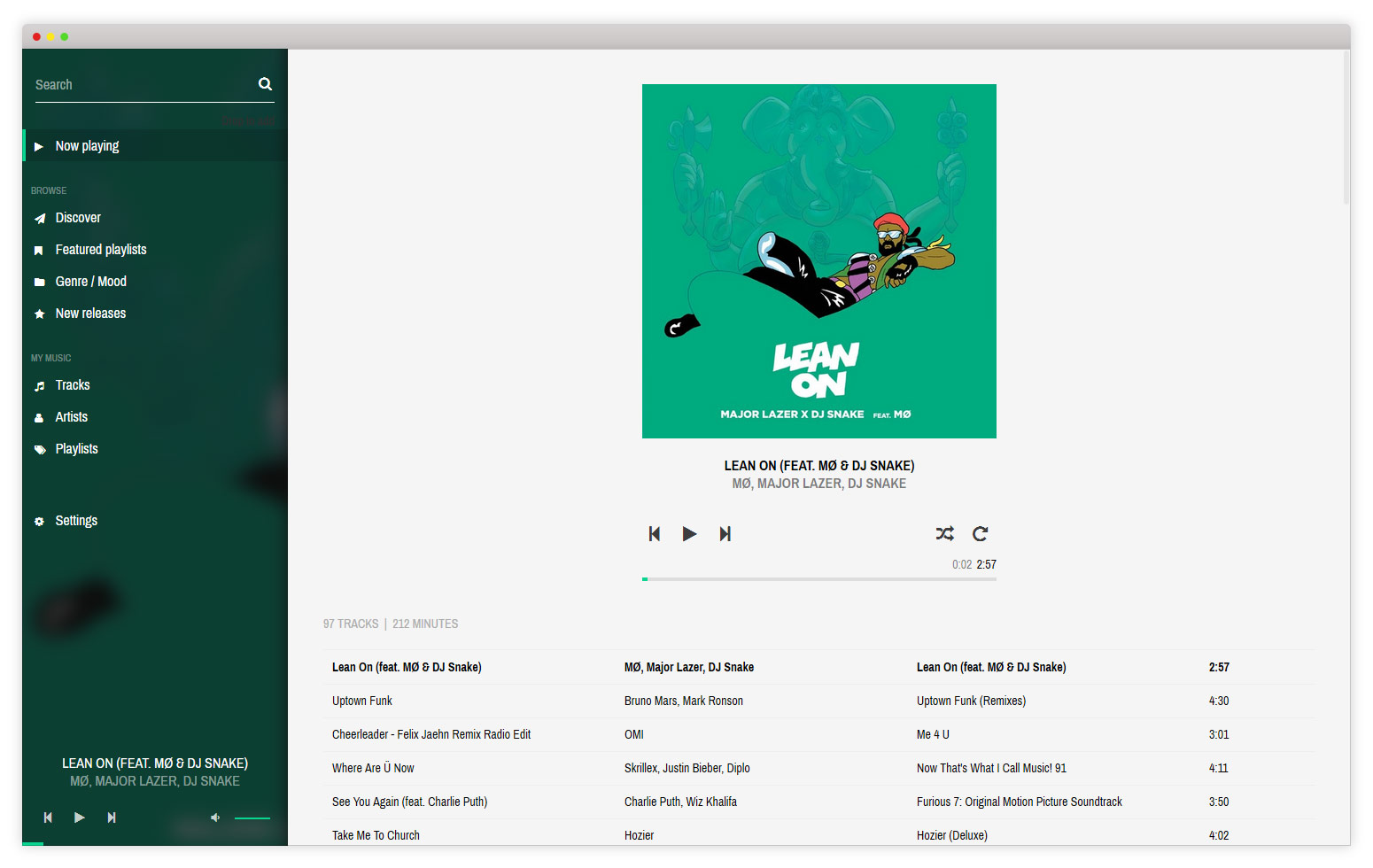
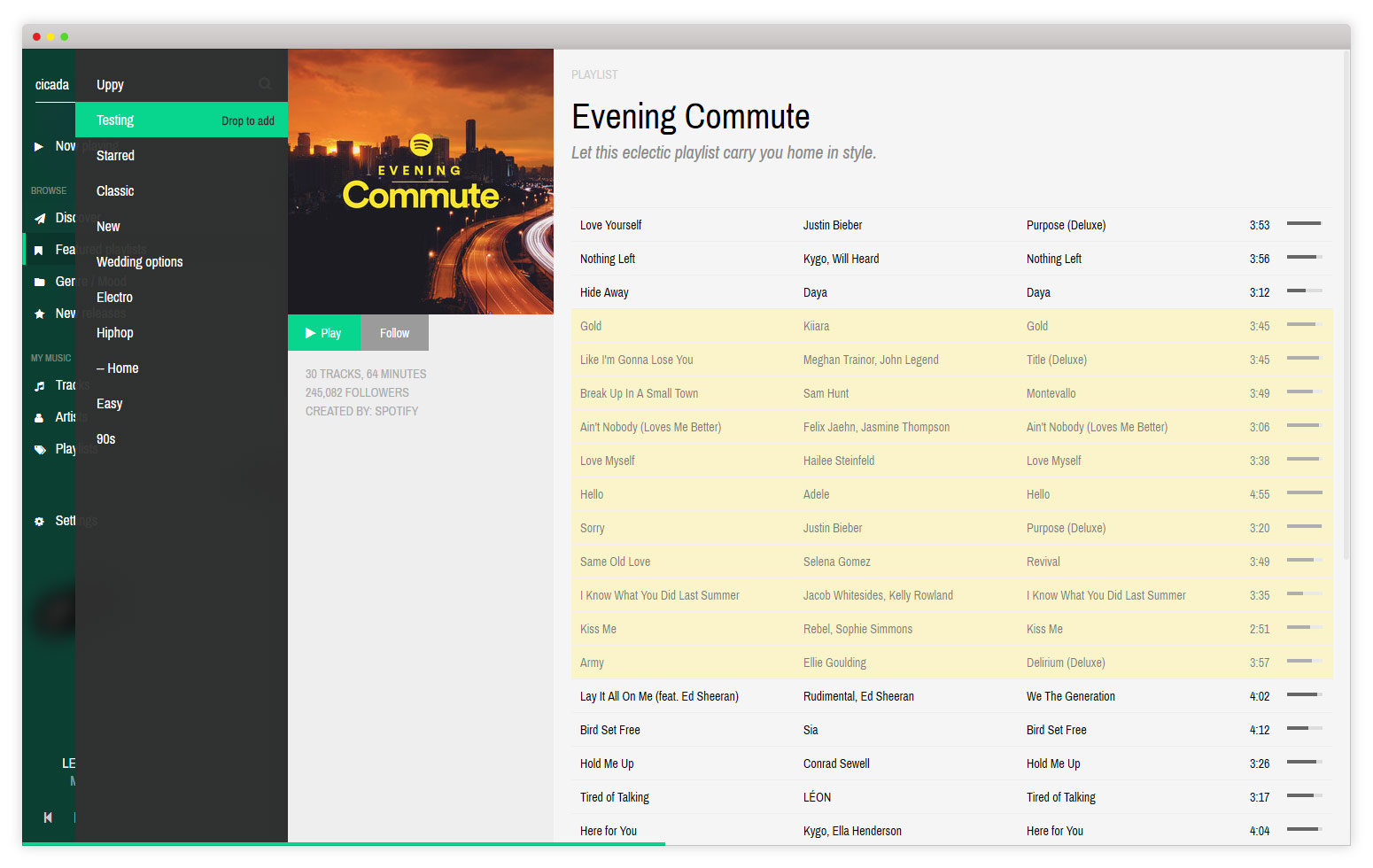
Iris (formerly known as Spotmop) is a Mopidy HTTP client that utilizes Spotify to create an interactive, user-friendly and collaborative music interface. Built and maintained by James Barnsley.
|
|
|
|
[]()
|
|

|
|

|
|
[](https://www.paypal.com/cgi-bin/webscr?cmd=_donations&business=james%40barnsley%2enz&lc=NZ&item_name=James%20Barnsley¤cy_code=NZD&bn=PP%2dDonationsBF%3abtn_donate_LG%2egif%3aNonHosted)
|
|
|
|
Features
|
|
--------
|
|
|
|
* Full web-based interface controls for Mopidy
|
|
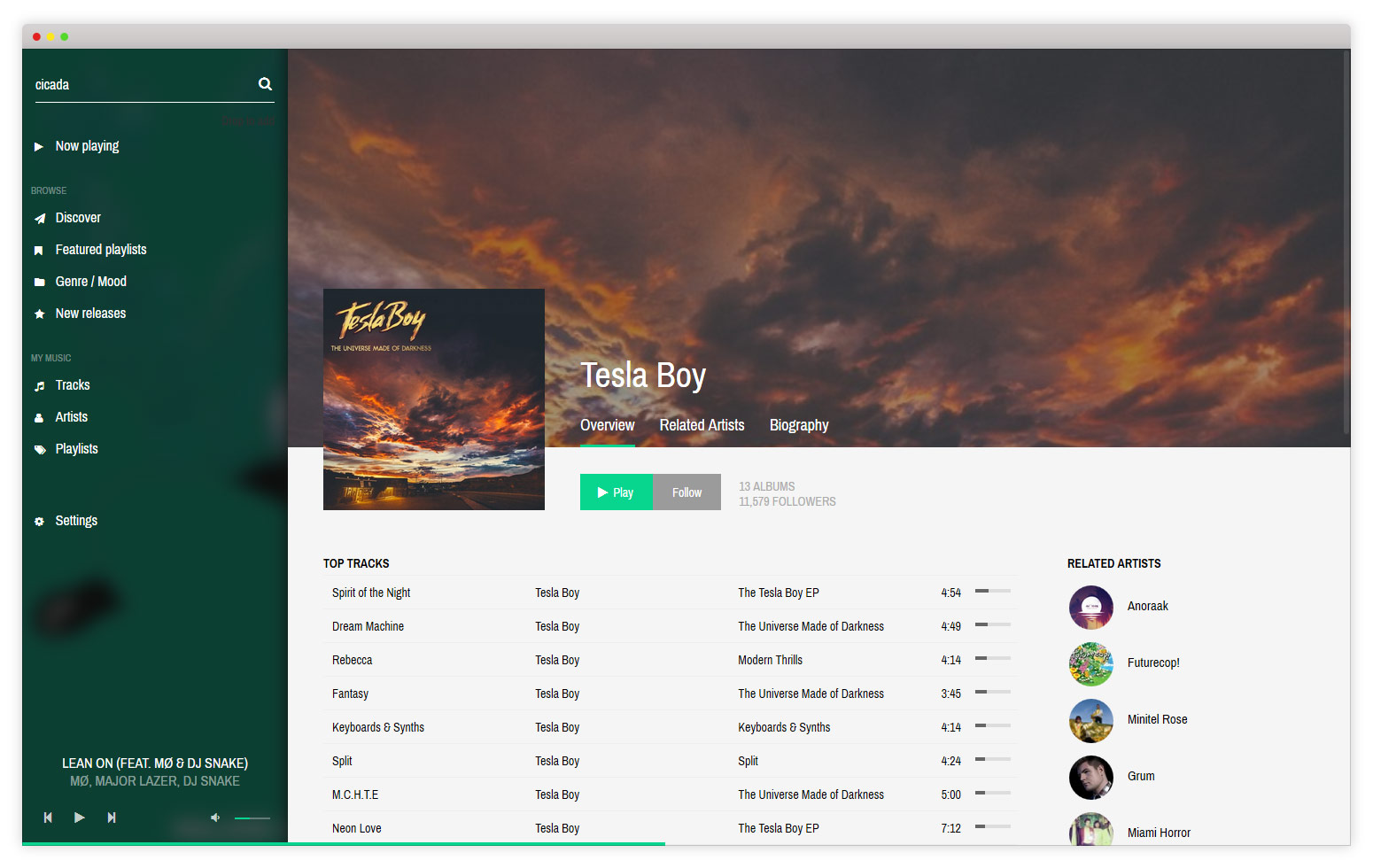
* Integrated with Spotify and LastFM APIs for high-quality artwork and extra info
|
|
* Improved support for local libraries using SQLite extension
|
|
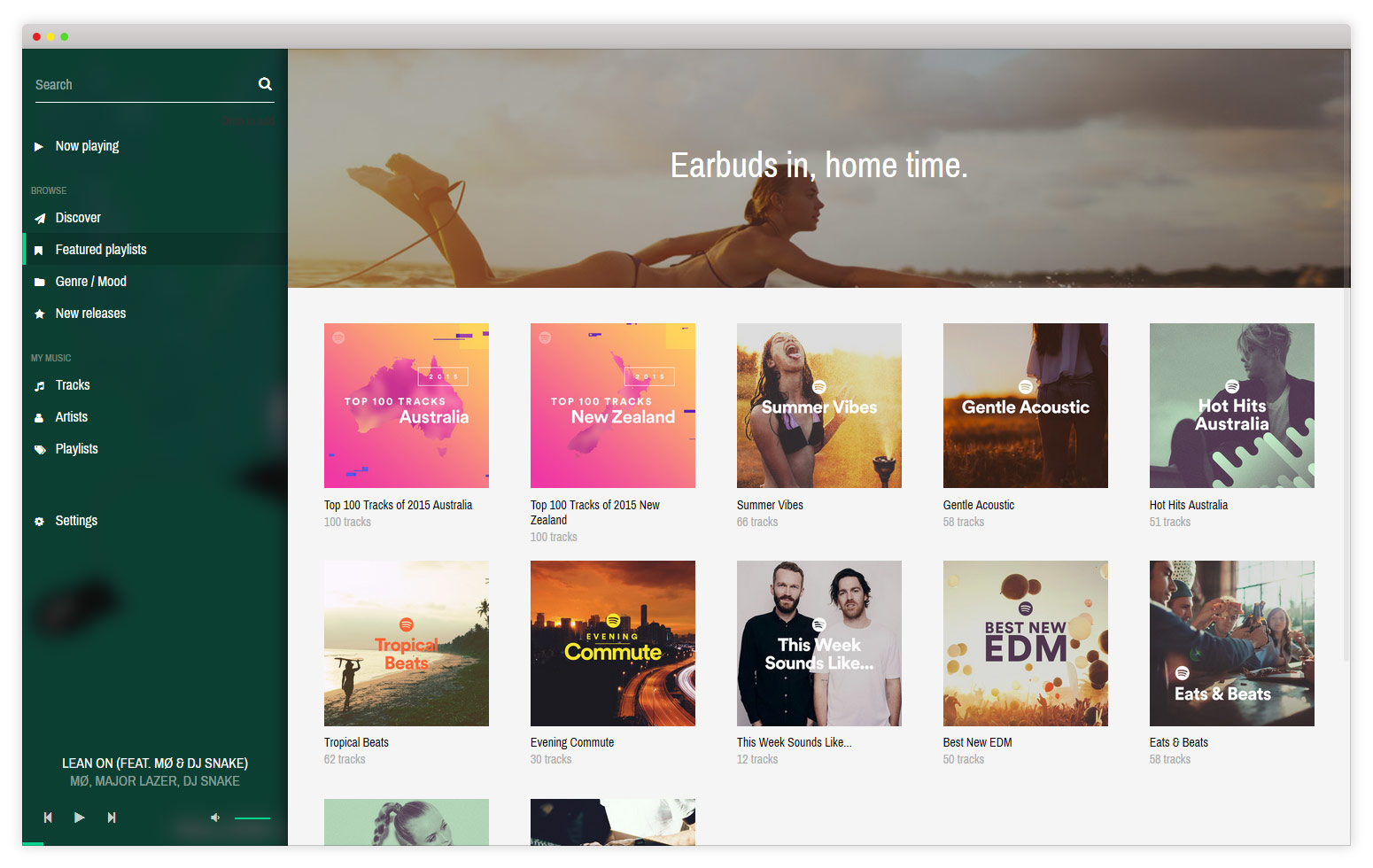
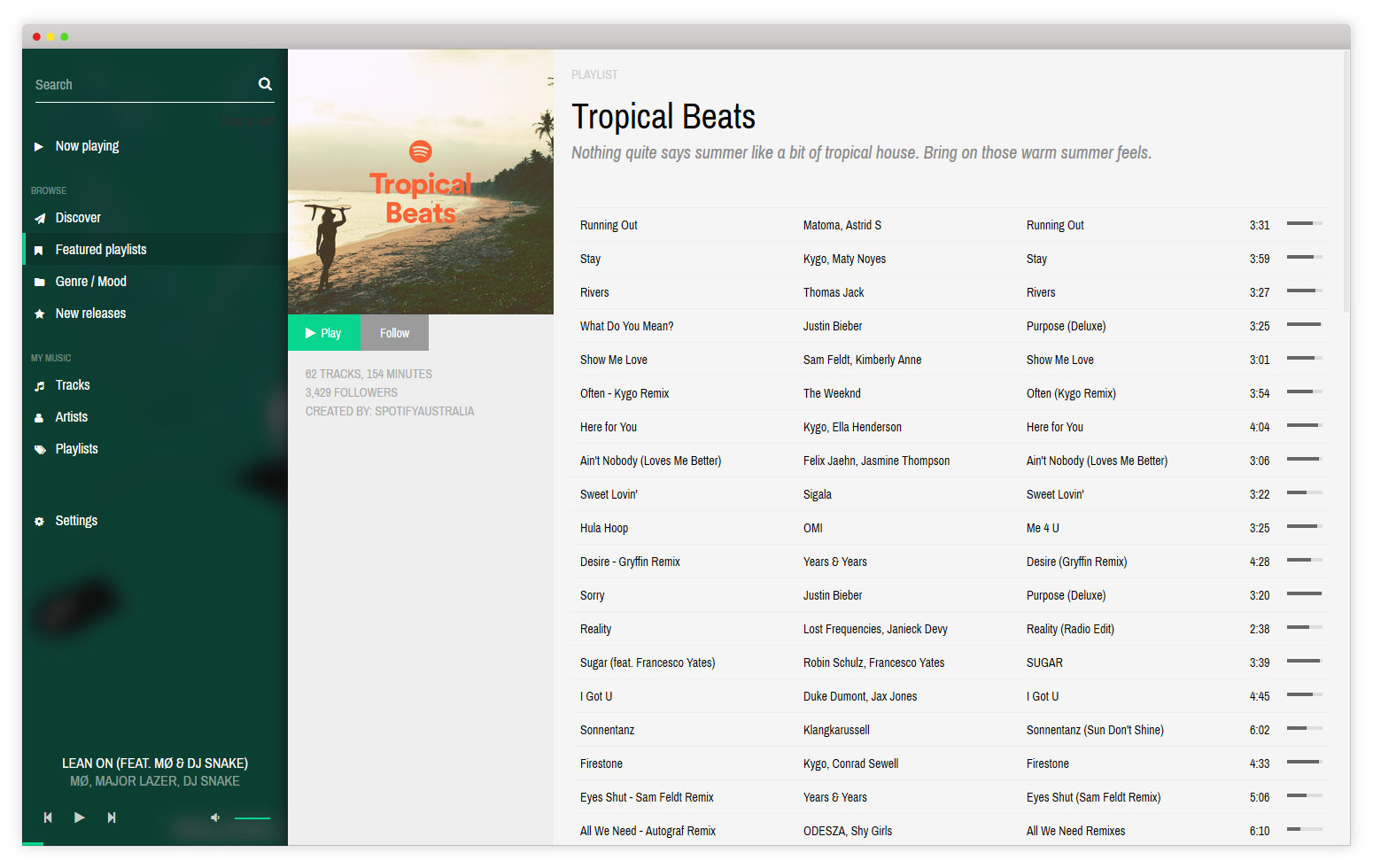
* Browse and manage your playlists, along with top tracks, new releases and genre browser
|
|
* Push notifications between clients (requires port 6681, but this can be customised to suit your environment)
|
|
|
|
Screenshots
|
|
-----------
|
|
|
|

|
|
|
|
|
|
|
|
|
|
|
|
|
|
|
|
|
|
|
|
|
|
|
|
|
|
Requirements
|
|
--------
|
|
|
|
* Mopidy
|
|
* Mopidy-Spotify
|
|
* Spotify Premium account
|
|
* Mopidy-Local-Sqlite (recommended, not required)
|
|
|
|
Installation
|
|
--------
|
|
|
|
1. Install using pip: `sudo pip install Mopidy-Iris`
|
|
2. Restart Mopidy server
|
|
3. Navigate to Mopidy interface (ie http://localhost:6680/iris)
|
|
|
|
Development
|
|
-----
|
|
|
|
1. Clone this repository into a your Apache2 web directory (eg `/var/www/html/`)
|
|
2. Install all development requirements `npm install`
|
|
3. Run build `npm run prod` (once production build has been run once, you can use `npm run dev` for faster dev builds)
|
|
4. Install Python module in develop mode `python setup.py install develop`
|
|
5. Restart mopidy `pkill mopidy && mopidy &`
|
|
|
|
Support
|
|
-------
|
|
|
|
* [Releases and changelog](https://github.com/jaedb/iris/releases)
|
|
* [Issues and requests](https://github.com/jaedb/Iris/wiki/Logging-an-issue)
|
|
|